
Video editing and hosting for business teams

Fix a published video once. Every embed updates.

Trim a scene, swap a clip or correct a title, then publish. The same link and embed code play the new version — on your help centre, website or staff portal — without exporting or uploading a new file.

  • Publishing an edit doesn't wait on a render
  • One permanent link and embed per video
  • Free plan, no card needed

For teams whose videos need to keep up

Product changes, client feedback and new policies shouldn't mean starting your video workflow again.

SaaS teams & help centres

Keep walkthroughs current, not embed codes

When your product changes, replace the outdated scene and publish a new version. Your existing help-centre and website embeds play the update.

  • Keep the same video link across your docs
  • Keep draft changes separate from the live video
Video agencies & branded-content teams

Move from feedback to the next version

Collect timecoded review notes, revise the edit and publish without rendering a new file for web playback. Reuse intros, outros and branded sequences across projects.

  • Review changes before a release goes live
  • Keep earlier releases available for rollback

L&D, HR & internal communications

Update training without redistributing it

Refresh an onboarding scene or a policy title while keeping the same video address. Use private playback with signed tokens when integrating video into your own staff portal.

  • Add chapters so people can find the right section
  • Reuse approved brand sequences for repeatable updates
Start your next video update free
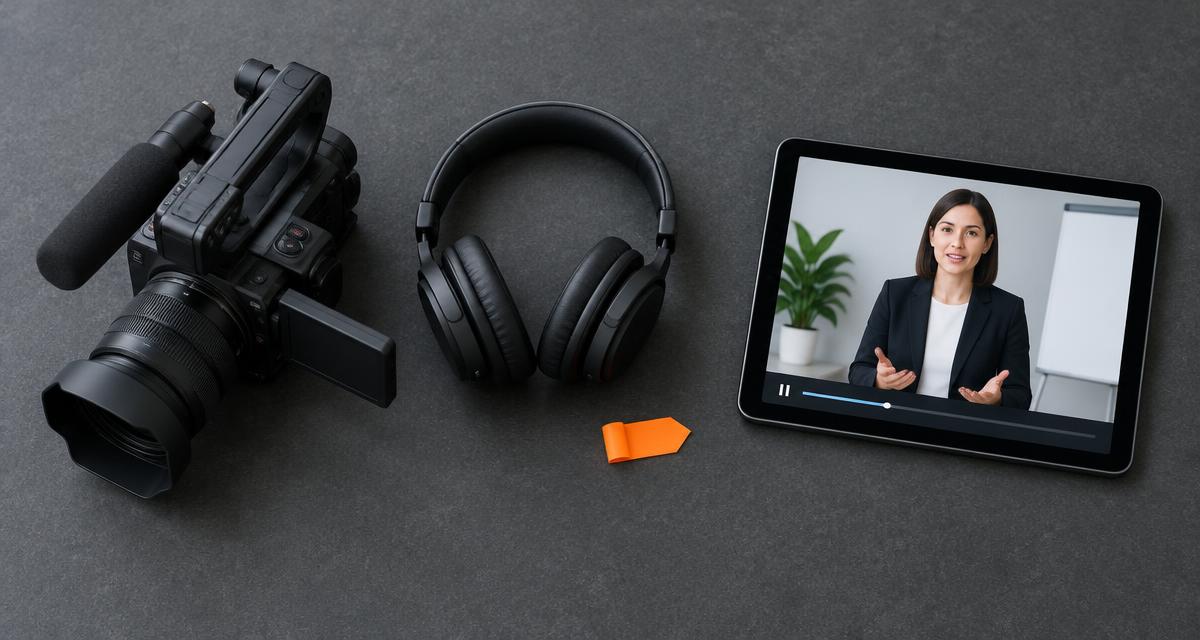
Video camera and headphones beside a tablet playing a business training presentation

Why updating a video is usually slow

The usual way

  • Export the whole video again after every small change
  • Upload the new file and replace the embed on every page that uses it
  • Old copies keep playing wherever someone forgot to swap the link
  • Editing, hosting, review and captions live in separate tools

With PatchCut

  • Publishing saves your edit; playback reuses footage that's already processed
  • The same link and embed always play the live version
  • Footage is processed once at upload; later edits don't re-encode it
  • Editor, player, review notes and captions in one workspace

Four things PatchCut does differently

Publishing without rendering

Your edit is stored as a timeline manifest. Publishing records a new version and updates what plays — typically in well under a second, because nothing is re-encoded.

Live versioning with rollback

Every release is kept as an immutable version. Update a live video without changing its link, roll back to an earlier release, and optionally let viewers browse past versions with release notes.

Captions and automated checks

Speech-to-text captions are generated after publishing, usually within seconds to a few minutes depending on length. New footage is checked by automated visual and speech moderation, and flagged clips are quarantined.

Secure player and conformed ingest

Play videos as public, unlisted, private, or behind a passphrase, with signed playback tokens and optional domain locks. Uploads are conformed to one frame rate and format so cuts play smoothly.

One link. Every version.

Version 1 and version 2 live side by side behind the same address. You decide whether viewers see only the latest release or can pick earlier ones.

  • Publish a fix and every embed updates
  • Roll back to any release in one step
  • Optional viewer picker with release notes

For teams and developers

Distribute video behind your own systems

Use workspace API keys to mint short-lived playback tokens from your own backend, so staff portals, learning platforms and client areas can show private videos without PatchCut accounts for every viewer.

  • Signed, short-lived playback tokens
  • Optional domain-locked embeds
  • Embed iframe that always plays the live version

The embeddable player and white-label editor are available now. Use the player in your own pages and offer controlled editing under your own branding.

See plans

Keep every embedded video up to date

Start on the free plan and publish your first video today.

Start free